A simple, step-by-step guide to preserving your story for future generations
You don't need to be tech-savvy to use About Me Archives. If you can video call with your family, you can record your legacy. Everything happens right in your web browser, and now on your phone too with our iPhone app (an Android app is coming soon).
We've designed our platform specifically for people who want to preserve their stories without dealing with complicated technology. Large, clear buttons. Simple instructions. And support every step of the way.
Your story matters, and we've made it simple to share.
See how About Me Archives works, in about a minute.
From creating your account to recording your first video
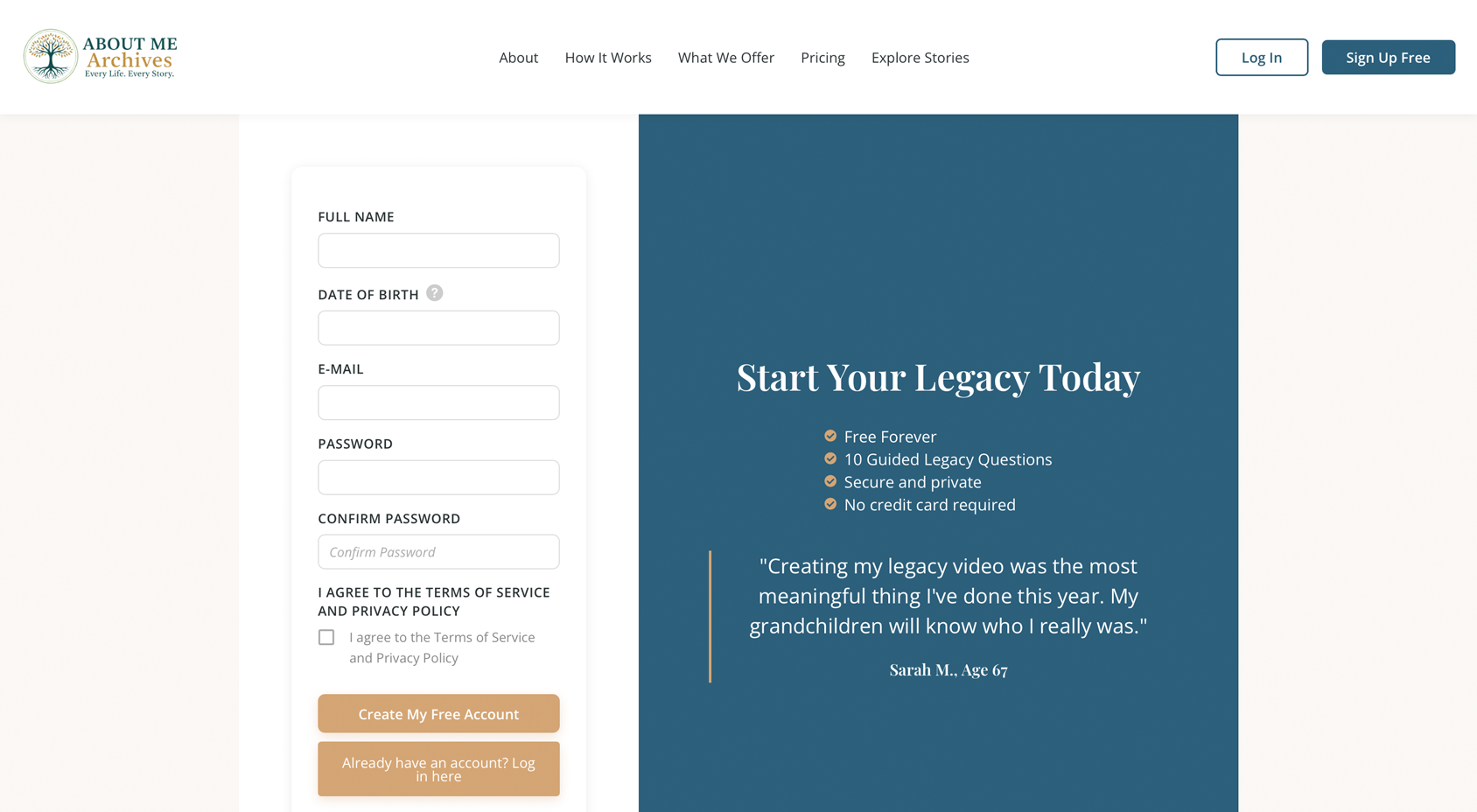
Click "Sign Up Free" and fill in just a few basic details: your name, email address, and a password you'll remember. That's it. No credit card needed, no trial periods that expire.
You'll receive a confirmation email. Click the link in that email to activate your account. Check your spam folder if you don't see it within a few minutes.
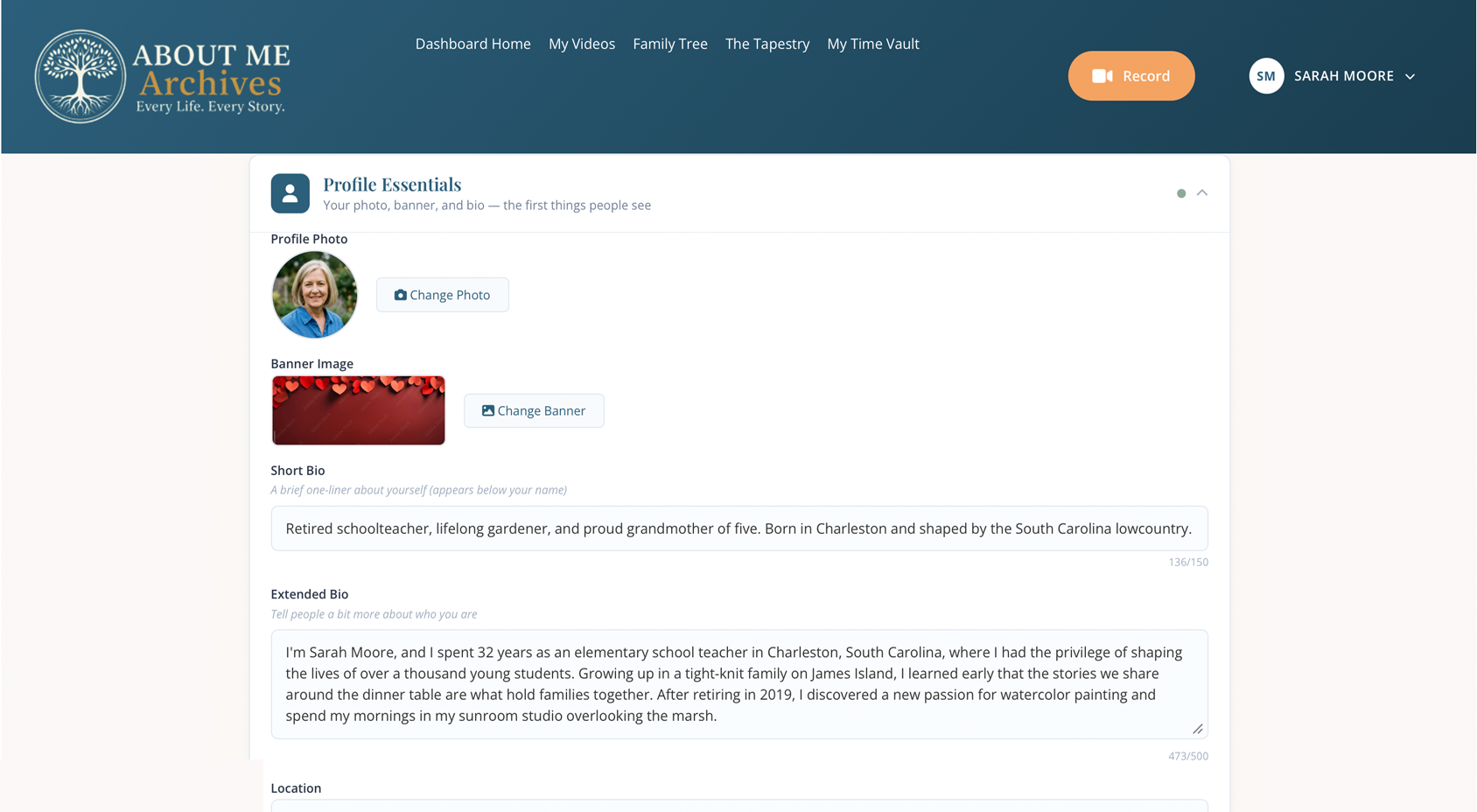
Add a profile photo and some basic information about yourself. This helps your family recognize and connect with you on the platform. You can always add more details later.
You control who sees what. You can keep everything private, share only with family, or make it public. It's completely up to you.
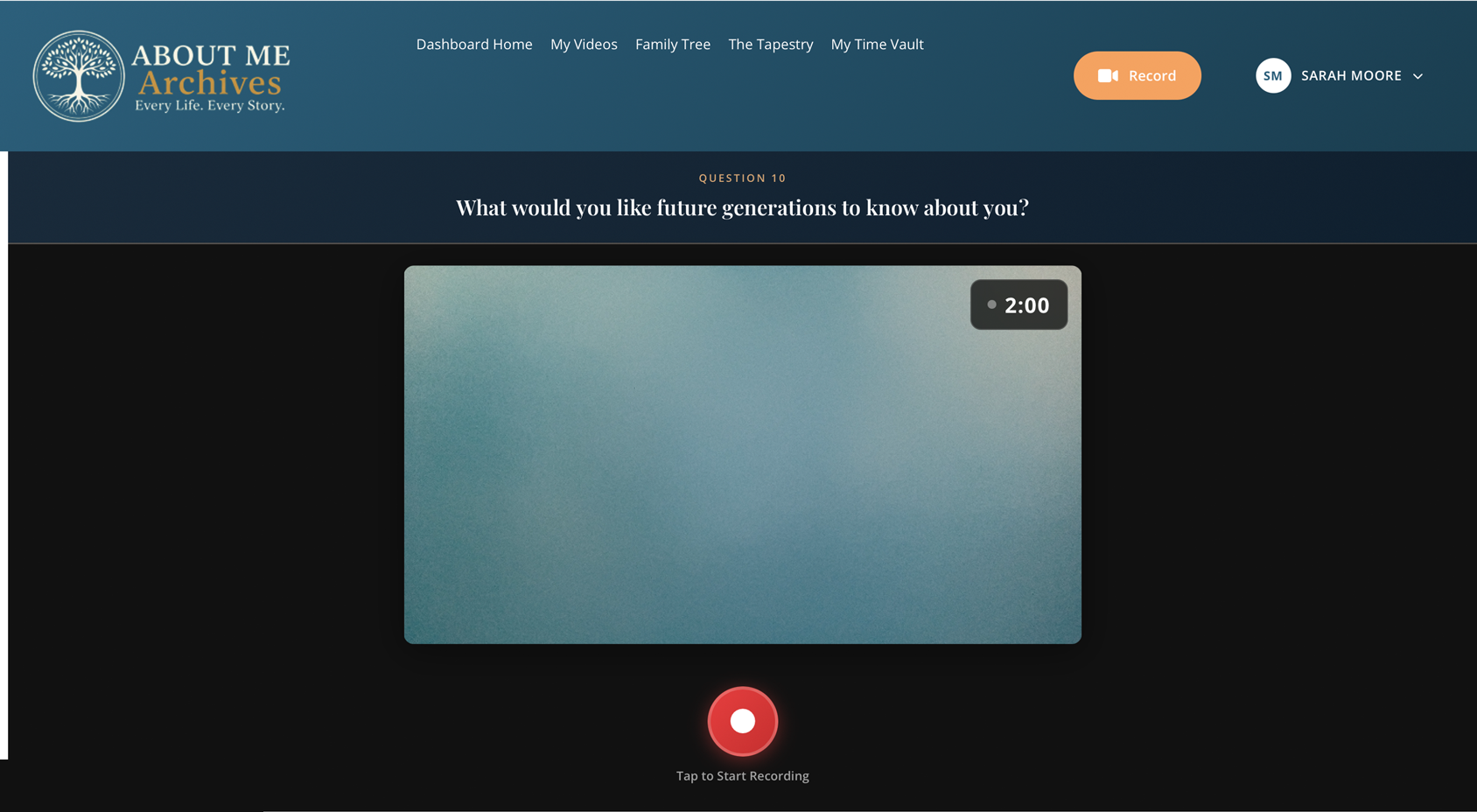
This is the heart of About Me Archives. Your Legacy Snapshot is a collection of 10 short videos, each just 2 minutes, where you answer thoughtful questions about your life. Record them one at a time, at your own pace. There's no rush to finish them all at once.
You can re-record any individual question if you're not happy with it, without affecting your other recordings. There's no pressure to get it perfect the first time, and no need to do all 10 at once.
Once you've recorded your first Legacy Snapshot video, a whole platform opens up. Build your family tree, connect with friends through The Tapestry, send messages into the future, and appoint someone to protect your legacy after you're gone.
You can create your free account now and set up the rest whenever it suits you.
Create Your Free AccountWhat each feature does and how it helps preserve your legacy
Your voice, your face, your stories, preserved forever in video format. Future generations won't just read about you; they'll see and hear you talking about your life.
Answer 10 essential questions about your life with 10 short 2-minute videos. Questions like "Tell us about your family" and "What would you like future generations to know about you?" Each question is its own recording, so you can do them at your own pace. Free forever.
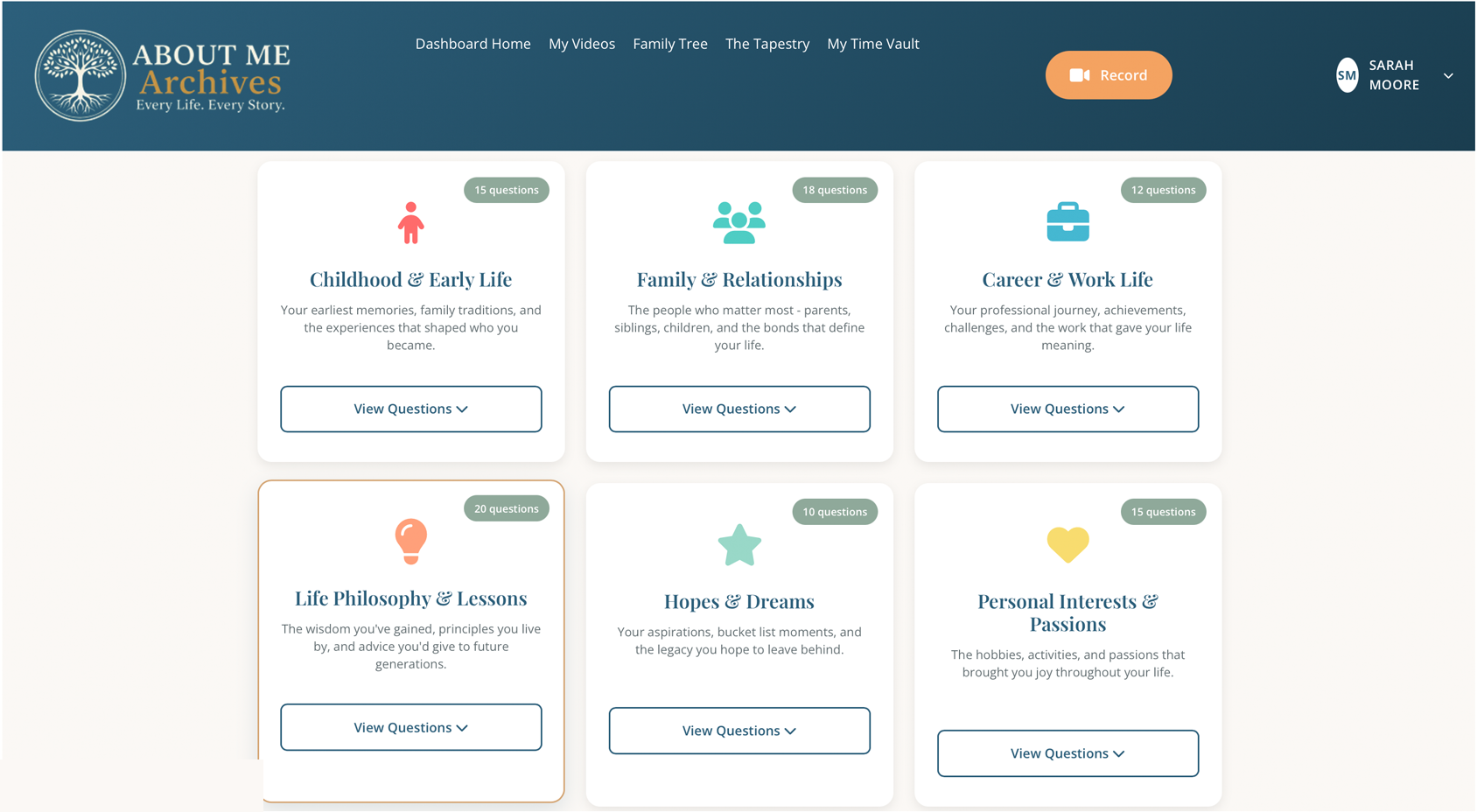
With Premium, you can record as many videos as you want using our library of 140+ questions across 10 categories:
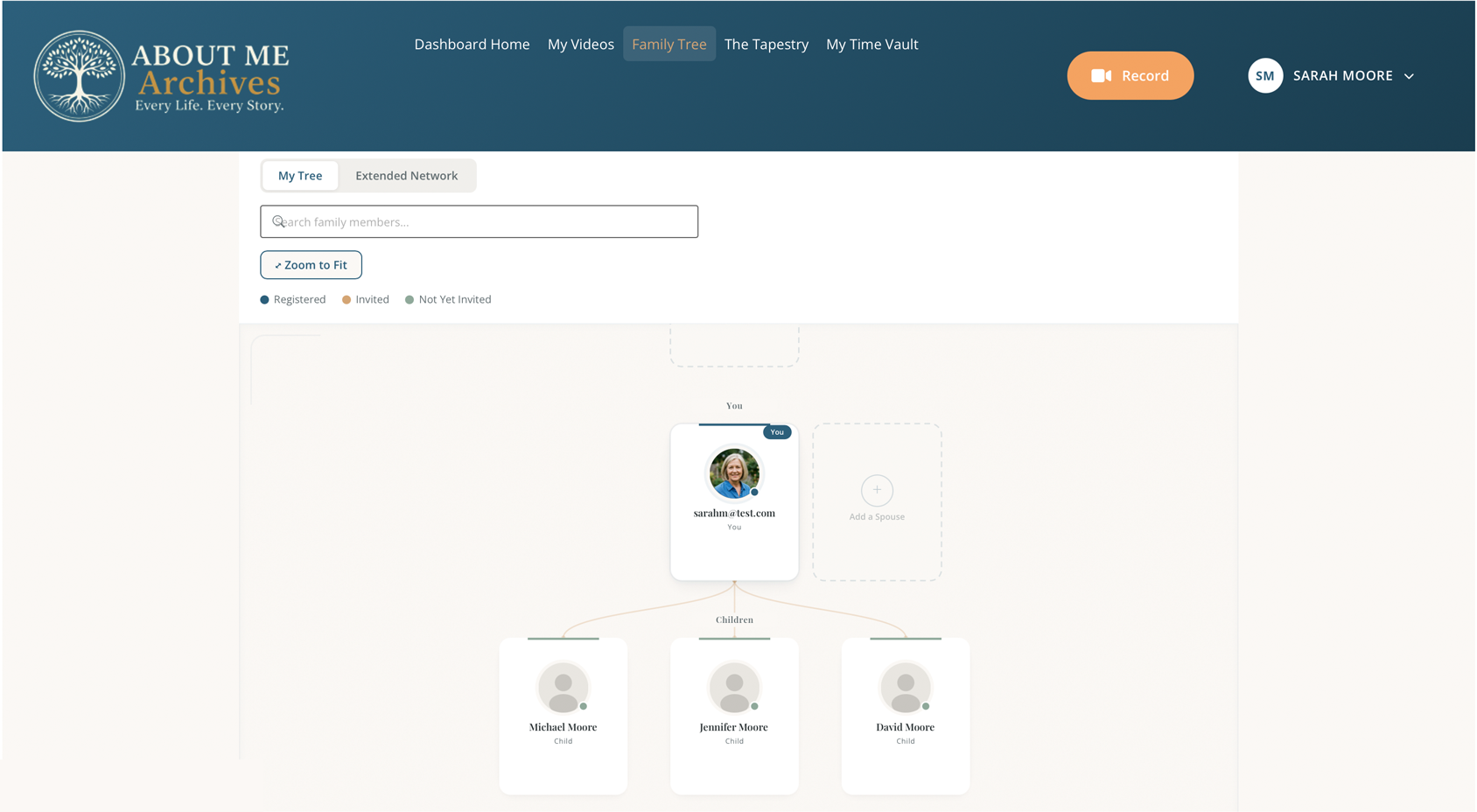
Build a visual map of your family connections. Add parents, siblings, children, and grandchildren, as many generations as you know. Each person can have their own profile and videos.
Start by adding yourself, then add family members one at a time. Connect them with simple relationship labels like "mother," "son," "sister." You can invite them by email to join and create their own profiles, and when they register, their tree connects to yours automatically.
Your tree grows as more family members join. When your cousin creates their profile, they connect to you, and suddenly their side of the family appears on your tree too. This bidirectional linking means everyone gets a complete view of the entire family.
It's a living tree because it grows naturally as your family grows. The more people who join, the more complete everyone's family tree becomes. No one person has to know or enter everything; it builds itself as each family member contributes their own branch.
Free accounts can add up to 20 family members. Premium unlocks unlimited members, giving you room to map every branch and generation you know.
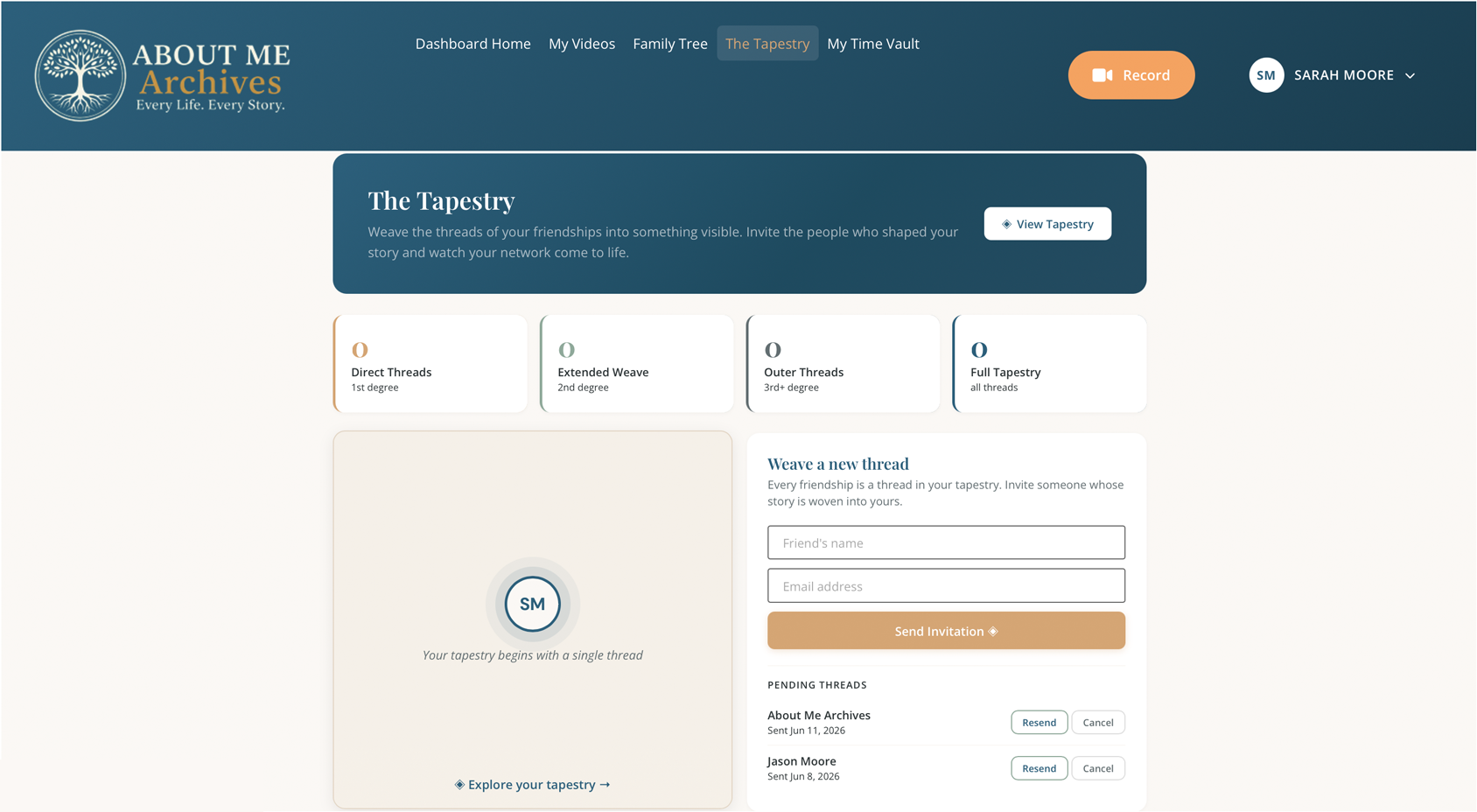
Your life wasn't shaped only by family. The Tapestry maps the friendships and chosen connections that made you who you are, the people you chose, not just the people you were born to.
Invite friends by email. When they accept, your stories are connected, and a visual network graph shows how your lives weave together. It's not a social network. It's a map of the people who mattered.
With Premium, you can see beyond your direct connections. Discover friends of friends, explore degrees of separation, and see just how far your story reaches. Every invitation is also an opportunity for someone new to preserve their own story.
Free accounts can connect with up to 5 friends. Premium unlocks unlimited connections and the full extended network view.
Record messages today that will be delivered in the future, on specific dates, after you're gone, or when life milestones happen. Be present at your grandchild's wedding, your daughter's 50th birthday, or your great-grandchild's graduation.
1. Scheduled Delivery:
Choose a specific future date, whether a birthday, an anniversary, or a graduation years from now, and your message will be delivered exactly when you choose.
2. Death-Activated:
Your Legacy Steward confirms your passing, and the messages you left behind are delivered to the people you chose. Your voice arrives when they need it most.
3. Event-Based:
Tied to life milestones such as a wedding, a first child, or a retirement. Your message waits for the moment it was meant for, no matter when that moment comes.
Your legacy needs a guardian. A Legacy Steward is a trusted person you appoint to protect your archive after you're gone, the person who makes sure your wishes are honored and your story endures.
Choose someone you trust, whether a spouse, a child, or a close friend. They'll receive a secure email invitation to accept the role. Once they accept, they're ready to act when the time comes.
This is what makes About Me Archives work beyond a single lifetime. Your story doesn't depend on a company staying online. It depends on a person you chose, someone who will make sure your voice is heard long after you're gone.
About Me Archives isn't just about preserving your own story, it's about discovering others. Explore Stories is the public heart of the platform, where you can browse real stories from real people across different times, places, and paths.
No account required to explore. Just come, listen, and discover that every life has a story worth hearing.
Start free forever. Upgrade whenever you want more room to grow.
| Feature | Free | Premium |
|---|---|---|
| Legacy Snapshot (10 videos) | Included | Included |
| Guided question library | Snapshot only | 140+ across 10 categories |
| Family tree members | Up to 20 | Unlimited |
| Tapestry friend connections | Up to 5 | Unlimited + extended network |
| Time Vault messages | Premium only | Included |
| Legacy Steward | Premium only | Included |
See full details on our Pricing page.
You're not alone in this journey. We've thought of everything to make this as easy as possible.
If you get stuck, our support team is just an email away. We respond quickly and explain things in plain language.
Everything is securely stored in the cloud with backups. Your videos won't be lost, and you can download them anytime.
Take your time. Record when you feel ready. Save your work and come back later. There are no deadlines.
Ask a family member to sit with you while you record, or have them help with the technical parts. Many families do this together.
We believe every life is a story worth telling, and everyone deserves to be remembered. This is how your voice, your face, and your wisdom stay with the people who come after you.
Your story deserves to be preserved. Let's begin today.